👀 You Can Now PREVIEW Your Documents INSIDE Poppy
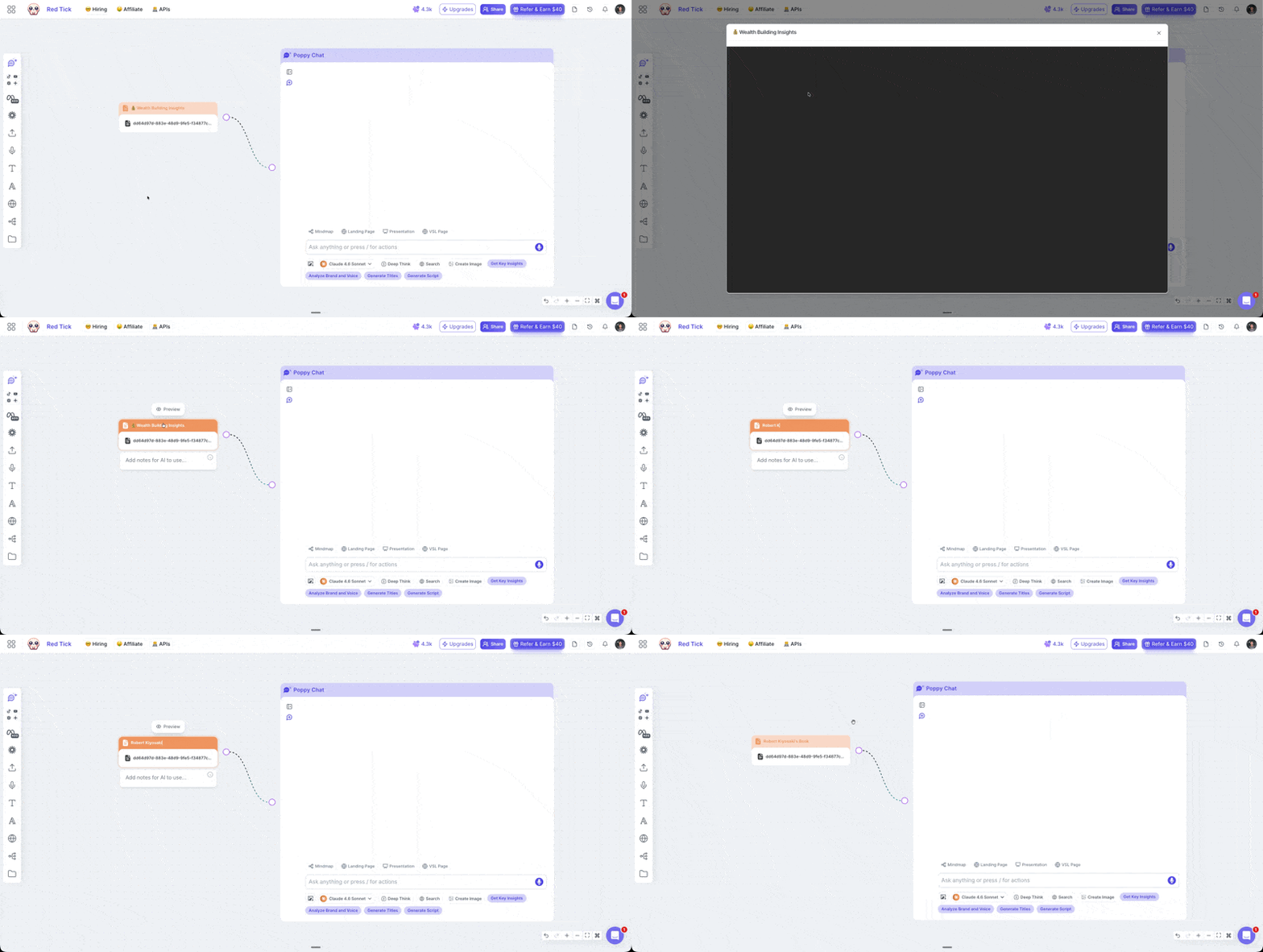
How many times have you uploaded a PDF to Poppy AI and then completely forgotten what was inside it?
Yeah. We know. We heard you. 😅
So we fixed it.
📄 Introducing: Document Preview on Poppy AI
You can now see exactly what's inside any document you upload to your board.
No more guessing.
No more "wait… which file was this again?".
No more asking Poppy “What’s inside this document?”
Just click preview and you’re done. ✅
🚀 What's New
PDF Preview
Upload any PDF to your Poppy AI board
Click on it and hit Preview
See exactly what's inside — instantly
Rename Your Files
Got a random file with a random name?
Rename it to something that actually makes sense
"Getting Rich Framework" hits different than "document_final_v3.pdf" 😂
🎯 How To Use It Right Now
Go to any Poppy AI board
Drag and drop your PDF
Click on the file
Hit Preview
Rename it if you want 🔥
That's it.
⚠️ One Thing To Know
This only works on new document uploads.
Your old documents won't have this but the fix is easy.
Just re-upload them to your board and you're good to go. ✅
Drop a ❤️ if I just helped improve your life.
And if you've got other small things inside Poppy AI you want improved, drop it in the comments. I'm reading every single one and building the ones that make sense.
Love ya,
-Amaanath
P.S. This feature was actually built by me with the help of Cursor Agents. I'm no developer. But with the right tools and an incredible team? Anything is possible. 🚀